

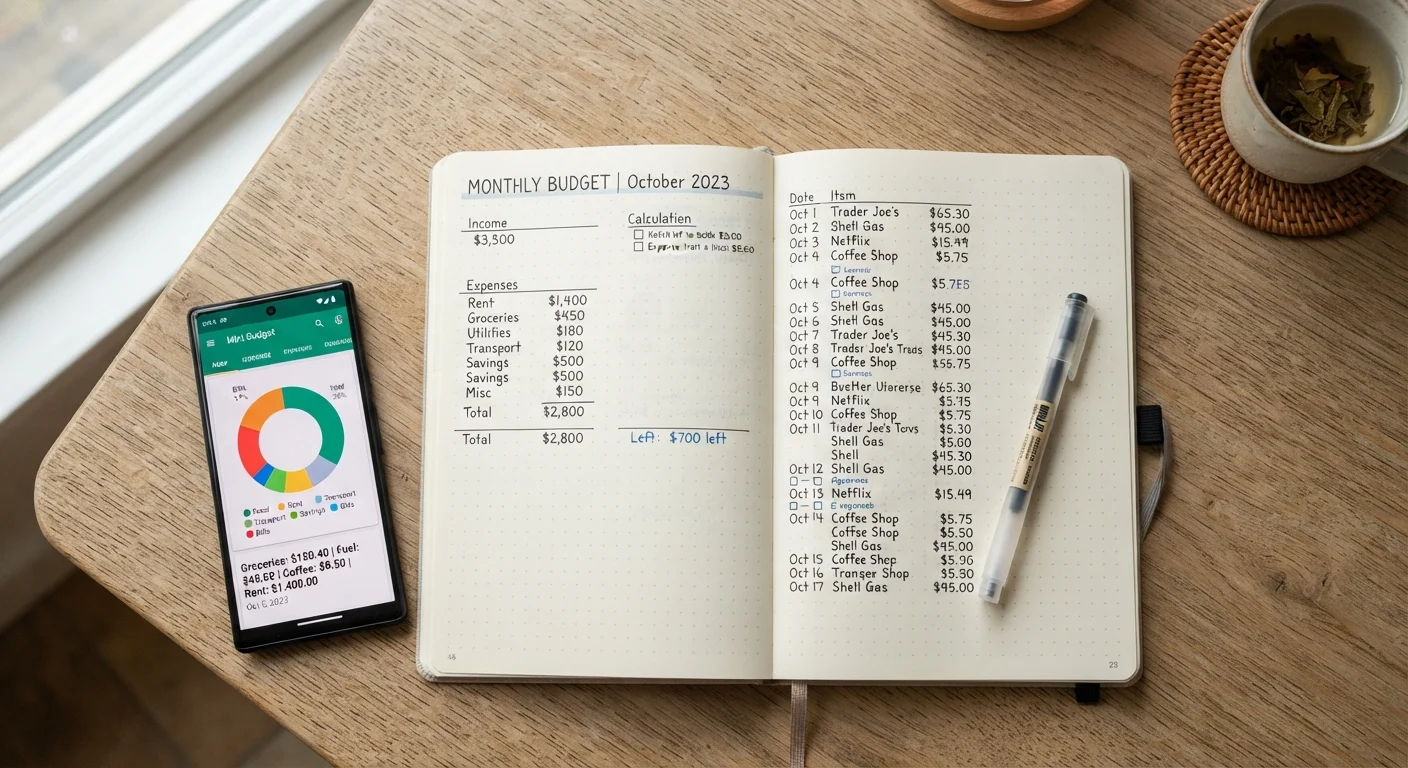
Option A
Tracking Spending by Hand
The deliberate, low-tech approach that keeps you in the driver's seat.
Best for: People who retain information better when they write it down and prefer full control over how they organize their finances.
Option B
Using a Budgeting App
The connected, automated option that does the heavy lifting for you.
Best for: People who want automation, real-time visibility across accounts, and don't mind sharing financial data with a third-party platform.
Why Tracking Method Matters More Than You Think
Most budgeting advice skips straight to the numbers — percentages, categories, savings targets. But for a lot of Americans, the real obstacle isn't knowing what to track. It's figuring out a method they'll actually stick with.
The tracking method you choose shapes how aware you become of your spending, how much friction stands between you and consistent use, and whether the habit survives contact with a busy real-life schedule. Getting that part right matters. As our guide on habits that make budgeting easier over time explains, reducing friction in your routine is one of the most reliable predictors of long-term success.
Both manual tracking and app-based tracking can genuinely work. The question is which one fits how your brain works — not which one looks better in a comparison article.
| Criterion | Tracking by Hand | Using an App |
|---|---|---|
| Setup effort | Minimal — pen and paper | Moderate — account linking, onboarding |
| Daily time commitment | 5–15 minutes of manual entry | 1–5 minutes of review |
| Spending awareness | High — writing reinforces memory | Varies — passive if not reviewed |
| Multi-account handling | Difficult and time-consuming | Easy with bank syncing |
| Data privacy | Complete — nothing shared | Depends on app's data policy |
| Error risk | Missed or forgotten entries | Miscategorized auto-imports |
| Cost | Free (notebook and pen) | Free to paid tiers available |
Tracking by Hand: What You Actually Gain (and Give Up)
Writing down every expense — in a notebook, a spreadsheet you fill in manually, or even index cards — forces a level of engagement that automation removes. Research in cognitive psychology consistently finds that handwriting information improves encoding and recall compared to typing or passive review. Applied to spending, this means you're more likely to remember where the money went, and more likely to notice a pattern before it becomes a problem.
The tradeoffs are real, though. Manual tracking is time-intensive. Miss a few days and you're guessing at receipts. It also doesn't scale well when you have multiple accounts — tracking a checking account, a credit card, and a savings account by hand means juggling several data streams. And if your spending categories are more complex than a handful of buckets, the manual math gets tedious quickly.
Still, for people who are just starting out or who have struggled to make digital tools feel meaningful, a plain notebook can be surprisingly powerful precisely because it's simple.
Using a Budgeting App: What You Actually Gain (and Give Up)
The strongest argument for an app is automation. Many budgeting apps can link to your bank accounts and credit cards, pull in transactions automatically, and sort them into categories without you lifting a finger. For someone with multiple accounts or irregular income, that consolidated view can surface insights that would take hours to assemble manually.
Apps also make it easier to spot trends over time — monthly breakdowns, category comparisons, and spending-vs-budget alerts are typically built in. For budget-conscious travelers, this matters: if you're curious how travel rewards compare to straight cash savings, an app that logs every trip expense makes that analysis straightforward.
The downsides deserve honest attention. Connecting financial accounts to a third-party app introduces data-sharing risks. Read the privacy policy before connecting anything — understand what data is stored, whether it's sold, and what happens if the company is acquired. There's also a psychological cost: when tracking becomes invisible, it can stop feeling meaningful. Some users find they review their app less and less until it becomes digital clutter.
Before You Connect Your Bank Accounts
When an app requests access to your financial accounts, it typically uses a service that stores read-only credentials or tokens. Review the app's privacy policy to understand data retention, sharing with third parties, and what happens to your data if you close your account. The Consumer Financial Protection Bureau (CFPB) has published guidance on consumer data rights that's worth reading before linking accounts to any third-party tool.
How to Decide — and What to Do Next
Start with one honest question: When have I actually followed through on a habit in the past? If you're a note-taker, a list-maker, someone who journals — hand tracking probably fits your existing wiring. If you rely on calendar apps, set digital reminders, and live on your phone — an app is likely the lower-friction path.
There's no rule that says you have to pick one forever. A common pattern is starting with manual tracking for a month to build raw awareness, then adding an app once you're clearer on which categories matter most to you. Similarly, some people use an app for automatic data capture but do a weekly hand-written review to stay emotionally connected to their numbers.
Whatever you choose, the same principle applies as it does with meal planning methods: the tool that gets used consistently beats the tool that's theoretically better. Give your chosen method a genuine 30-day trial before switching.
This article is for general informational and educational purposes only and does not constitute personalized financial advice. Consider consulting a qualified financial professional for guidance specific to your situation.
The content on this site is for informational purposes only and is not a substitute for professional advice. Always consult a qualified professional for guidance specific to your situation.